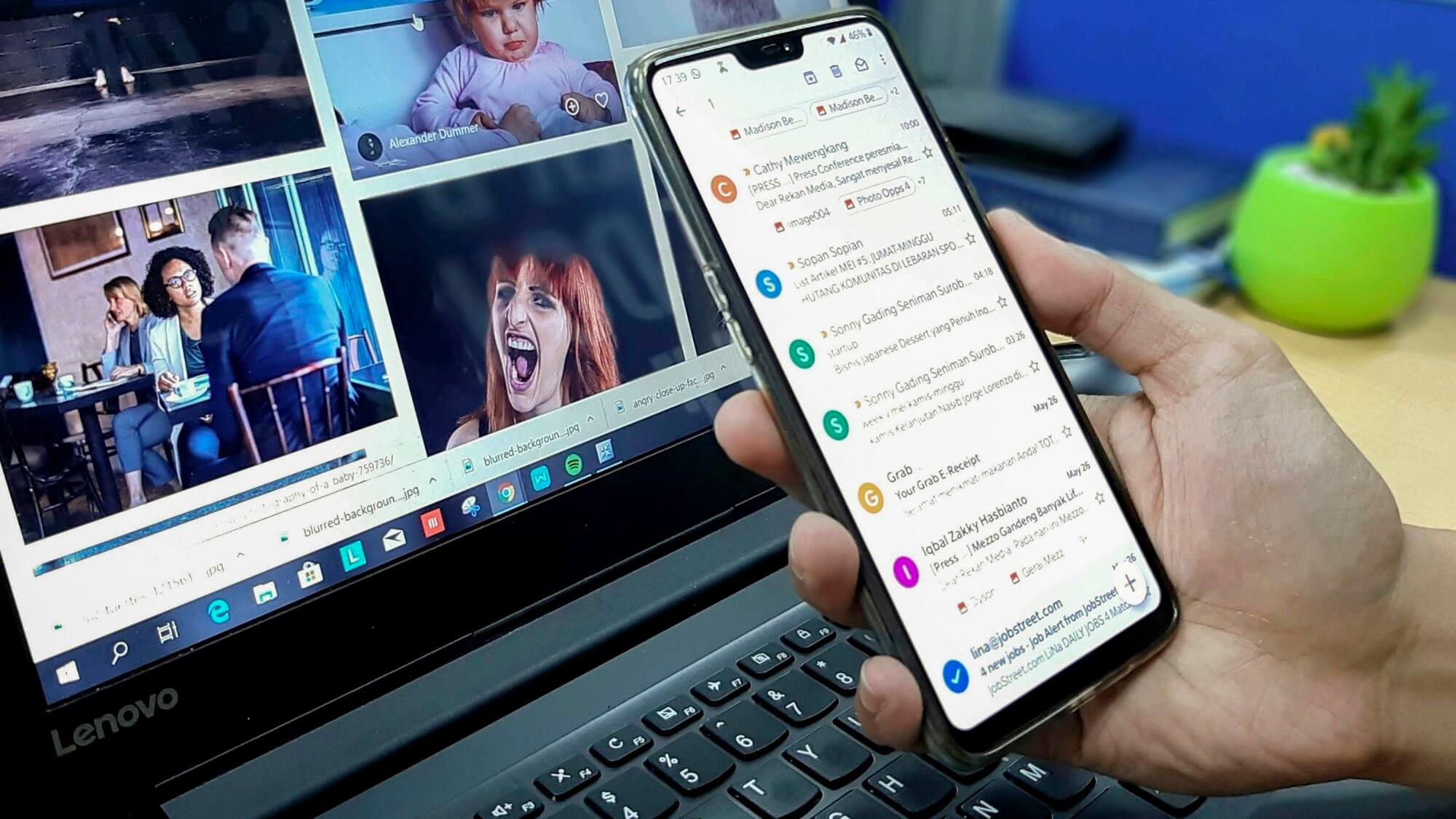
Most people believe zero inbox is impossible, but you can shrink your unread count to near zero by applying four simple habits: process by "Do, Defer, Delegate, Delete," schedule fixed email times, and build powerful filters. That's the core of the zero inbox strategy: reduce clutter, accelerate responses, and stay in control.
Do you ever feel buried under a cascade of emails you never quite finish? Today, we take a closer look at how email decluttering strategies, disciplined routines, and smart automation form the backbone of a zero inbox strategy guide to reclaim calm in your digital life.
Is Inbox Zero Realistic?
Inbox Zero doesn't mean every message disappears. It means every message has a purpose and a place.
Some emails will be done, others will be filed, and a few will be saved for later. This mindset shift turns a stressful inbox into a manageable one. When you think of it as organization instead of perfection, it suddenly feels possible.
Building Consistent Habits
The zero inbox strategy depends on steady daily action. Set aside short, specific times to sort your inbox.
Process new messages using simple rules like "Do, Delegate, Defer, Delete." The more often you repeat this process, the faster it becomes. Over time, it feels less like work and more like routine maintenance.
A tidy inbox reduces distractions and mental noise. You no longer waste time scrolling or second-guessing what to answer first. This small sense of order can boost focus and calm.
How Often Should I Check My Email?
How often you check email affects how focused and productive your day feels. Many people keep their inbox open all day, which creates constant interruptions and mental fatigue. You can change that pattern by being intentional about how often you look at your messages.
There are three main ideas that guide healthy email habits:
- Checking at set times each day
- Using filters to handle urgent messages
- Setting boundaries to protect focus
Checking at Set Times Each Day
Most people don't need to check their email every hour. For better focus, choose two or three short sessions per day. Try once in the morning, once after lunch, and once before finishing work.
This allows you to handle messages efficiently without losing attention during deep work. By treating email like a scheduled task instead of a constant one, you gain control over your time.
Using Filters to Handle Urgent Messages
Email tools now make it easy to sort messages by importance. You can set up filters to flag messages from key contacts or certain subjects.
The method supports efficient email sorting and makes sure that truly urgent messages appear first. Everything else can wait until your next planned session.
Setting Boundaries to Protect Focus
Constant notifications can make it hard to think clearly. Turn off automatic alerts when possible and resist checking out of habit. Let coworkers know you respond during specific time blocks. These small boundaries improve email productivity and create a calmer workflow.
Core Principles of the Zero Inbox Strategy
The zero inbox strategy works best when it follows a simple structure that removes decision fatigue and gives each message a clear purpose. Many people fail at inbox organization because they lack a system to handle messages as they arrive.
With a few steady rules, you can stay ahead of the clutter and keep your inbox calm. There are four main steps that form the foundation of this approach:
- Do
- Delegate
- Defer
- Delete
Do
If a message takes less than two minutes to handle, deal with it right away. Quick responses stop small tasks from stacking up.
This habit keeps your inbox moving and prevents the feeling of being behind. Acting immediately on easy messages builds momentum and gives you a sense of progress.
Delegate
Some messages belong to someone else. Forward them to the right person and move on. Don't let responsibility sit in your inbox if it isn't yours.
The step makes communication smoother and creates better team accountability. By delegating quickly, you keep your inbox focused on what truly needs your attention.
Defer
If a message needs more time or thought, schedule it for later. Create a simple label or folder for "To Do Later" items and revisit them during a set review period.
Deferring doesn't mean forgetting. It means organizing by priority. This keeps your current inbox clean while still managing important tasks.
Delete
Not every email deserves to stay. Delete unnecessary messages without hesitation. Many emails are informational or temporary.
Removing them creates mental space and makes it easier to find what matters. Deleting regularly supports efficient email sorting and long-term clarity.
Email Decluttering Strategies That Actually Work
A cluttered inbox can drain your focus and make even simple tasks feel heavy. Clearing it doesn't have to be complicated or time-consuming. With a few smart habits, you can restore order and maintain it over time.
These methods aren't about perfection but steady improvement that supports better inbox organization and less stress.
There are three reliable ways to clear out the mess and keep it from coming back:
- Bulk archiving old emails
- Setting up filters and labels
- Using automation tools for sorting
Bulk Archiving Old Emails
You don't have to review every message one by one. Start fresh by archiving old messages that no longer need attention. Create a clear cutoff point, such as emails older than three months.
It clears space quickly while keeping records available if you need them later. Bulk archiving is one of the most effective email decluttering strategies because it removes the mental clutter that builds up over time.
Setting Up Filters and Labels
Filters are one of the most powerful features for inbox organization. Set rules that sort incoming messages by sender, keyword, or category. Assign labels such as "Bills," "Projects," or "Follow Up."
It lets you see what matters most without scanning through every email. Once filters are in place, your inbox starts to organize itself automatically, saving you time each day.
Using Automation Tools for Sorting
Many email platforms now offer tools that handle sorting for you. Smart folders, AI sorting options, and third-party tools can separate newsletters from direct messages or prioritize urgent notes.
Automation helps create efficient email sorting that feels natural and easy to maintain. Over time, you'll spend less time cleaning and more time communicating.
Frequently Asked Questions
How Can I Manage Work and Personal Emails Separately Without Losing Track?
Keeping personal and work emails apart helps you stay organized and reduces stress. Create separate inboxes or use color-coded labels to tell them apart at a glance.
Many people set different time blocks for each type of inbox. It keeps you focused and prevents personal tasks from blending with work messages. With clear boundaries, inbox organization becomes simpler and less overwhelming.
What Should I Do with Emails That Require Long Responses?
Some emails need more than a quick answer. Move those messages into a "To Respond" folder or add them to your task list. Set a reminder to review them during a time you can focus.
It keeps your main inbox clear while still giving those messages the attention they deserve. Following this step supports better email management tips and avoids last-minute scrambles.
How Do I Handle Email Anxiety and Guilt When Ignoring Messages?
Feeling behind on emails can trigger guilt or stress, especially if you're used to responding right away. Set realistic expectations for yourself and others. Let coworkers know your response hours and stick to them.
Many people find that checking messages less often actually improves response quality and peace of mind. This mental shift turns the zero inbox strategy into a long-term habit instead of a daily struggle.
Can Email Filters Really Improve Efficiency?
Filters can completely change how you experience email. When set up well, they group newsletters, receipts, and promotions automatically so your attention goes to real people first.
It creates efficient email sorting and saves minutes every day. Over time, those minutes add up to hours of regained focus. The more you refine your filters, the less time you'll spend managing your inbox and the more time you'll have for meaningful work.
How Can I Stay Consistent With the Zero Inbox Strategy Over Time?
Consistency comes from setting routines that fit naturally into your day. Schedule short email check-ins, use filters to handle new messages, and avoid letting unread emails pile up. Over time, these habits become automatic, making the zero inbox strategy easier to maintain without feeling like extra work.
The Best Email Decluttering Strategies
Finding balance with your email isn't about perfection. The zero inbox strategy helps you stay organized, reduce stress, and focus on what matters most. With consistent habits and clear boundaries, your inbox can shift from chaos to calm, giving you lasting clarity and confidence in your daily workflow.
At Mailstrom, we help you take charge of your inbox with powerful, easy-to-use tools. Group and clear hundreds of emails at once, block unwanted senders, and unsubscribe with a single click. Unlike automated filters, Mailstrom works with your decisions--giving you real control, stronger spam protection, and a faster path to Inbox Zero.
Get in touch today to find out how we can help with your inbox clearing!